Dynamic Rendering Detection and JavaScript Execution in Agent Pipelines
Rendering JavaScript is now essential for agent pipelines to extract data and avoid hallucinations.
- Written by
- Danielle Osei-Bonsu
- Published
- October 12, 2026
- Reading time
- 11 min read
- Sources cited
- 3 sources ↓
What this covers
A scraper sends a request, gets a successful response, and opens a document with almost nothing in it: a <div id="root"> and a handful of script tags, no text, no prices, no listings. This is the ordinary condition of the modern web, not a malfunction. Most sites today render their content client-side, so the server hands back a bare shell and leaves the browser to build the actual page by running JavaScript after the fact. A pipeline that stops at the first response never sees the data it came for, because the data does not exist yet at that point in the exchange.
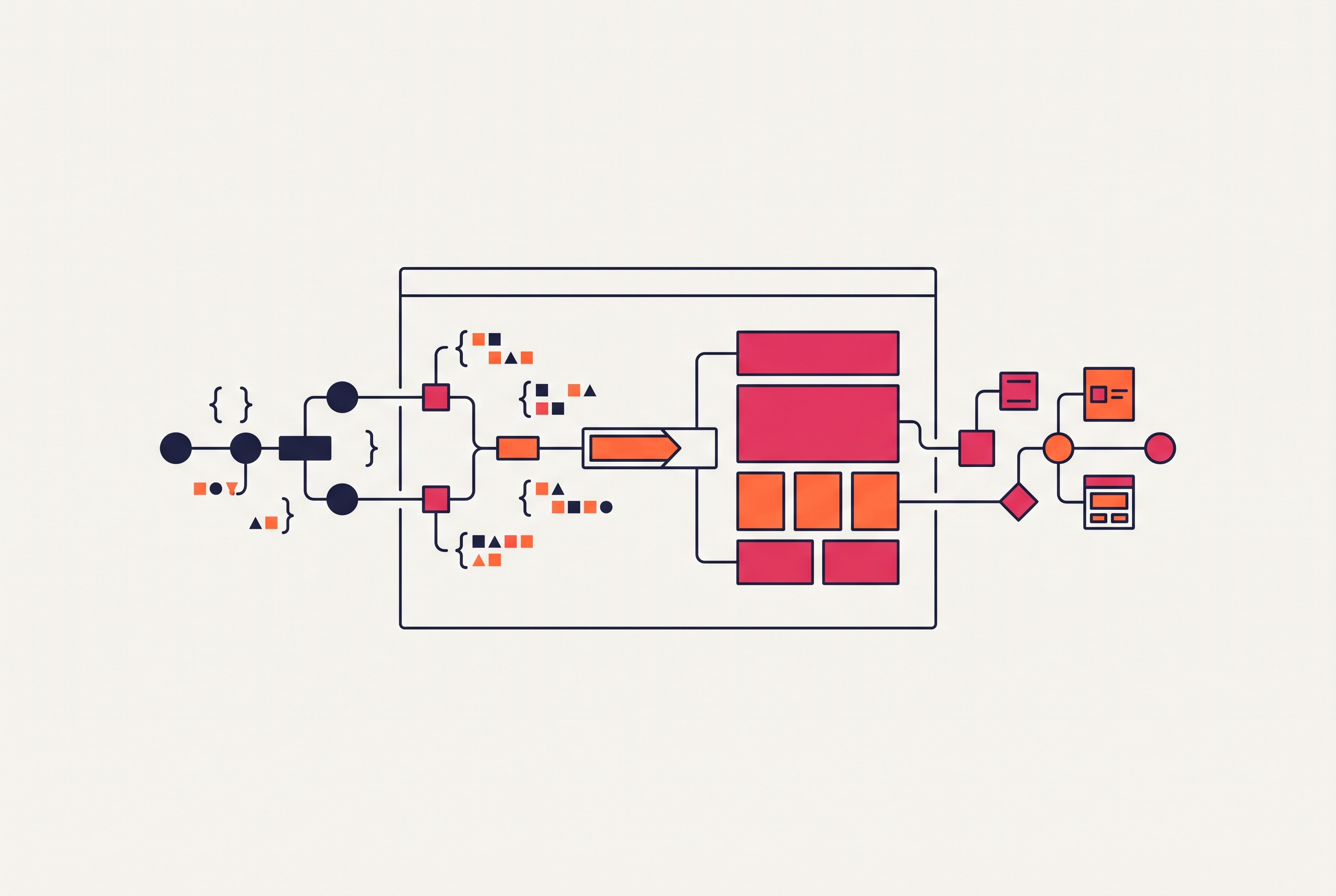
Getting from that shell to a usable page takes a fixed sequence, and each step has to finish before the next one can start: download the HTML, parse it, download the JavaScript, parse that, execute it, fetch the data it calls for, and only then render the page a human would recognize. Skipping any one of those steps leaves the page empty. This matters more now than it did in earlier eras of scraping because the thing waiting on the other end of the pipe has changed. Agent systems and retrieval-augmented generation setups need clean, structured text, not a blob of boilerplate and script references. Firecrawl's 2026 guide to scraping tools states the baseline: a tool that cannot handle JavaScript natively does not qualify for serious use, and for AI and RAG pipelines in particular, Firecrawl is built to close that gap directly.
How the rendering gap affects agent pipelines
A one-shot scraper that misses a hydration event just fails once, logs an error, and moves to the next URL. An agent pipeline does not get that luxury, because it encounters the same rendering uncertainty at every step of a multi-step task, not just at the entry point. A single missed render early in a trajectory does not just cost one page: it can throw off every decision the agent makes afterward, because each action depends on correctly reading the page state that came before it.
Small interface quirks illustrate how this compounds. A pop-up that appears for two seconds, or a content block that only resolves after a JavaScript call completes, barely registers as a problem in a short, single-step scrape. Stretch that same quirk across a long interaction sequence, where the agent has to click, read, and decide dozens of times in a row, and it turns into serious task deviation. Step-level analysis of agent traces finds three failure clusters recurring in this exact context: CAPTCHA resolution, pop-up banner removal, and direct navigation to URLs. All three become more likely when the agent is working from a page it has not actually finished rendering.
The language model sitting on top of the pipeline does not help. If you hand a model an empty or half-loaded page, it will not reliably know the data is missing. It tends to fill the gap with plausible-sounding content instead of flagging the absence, so the pipeline's failure mode is not a visible crash but a quiet hallucination that looks like a correct answer. A generic scraping fix tuned for isolated requests does nothing for a failure that only appears once trajectories get long.
Detection in this context means determining rendering need before fetching content
Before you spend any browser resource in an agent pipeline, you need to decide whether a page needs JavaScript execution to produce usable content. It is a binary gate: the answer determines which execution path the pipeline takes next, either a lightweight fetch or a full browser session.
If you skip that decision and always run a full headless browser, you trade one problem for another. A Chromium instance is memory-heavy, and routing every single request through one at scale turns into a real cost and latency burden, even for pages that would have rendered fine from a plain HTTP fetch. Going the other direction, always trusting a static fetch, creates a worse outcome, because the pipeline will succeed silently on an empty shell. It produces output that looks structured and complete while carrying no actual content, and that failure is dangerous specifically because nothing about it looks like a failure.
Building the gate correctly means checking a short set of concrete signals before committing to either path: whether the initial HTML response carries markers from a known client-side rendering framework, what ratio of meaningful text to total markup shows up in that first response, and whether the selectors the pipeline actually needs are present before any JavaScript has run. None of these signals require executing the page. They only require reading what came back from the first request closely enough to tell whether anything more is needed.
The multi-strategy waiting problem: knowing when a dynamically rendered page is ready
Once the gate says a page needs JavaScript, a second and harder problem opens up: knowing when the rendering is actually finished. Modern pages load content in waves rather than all at once, and there is no single universal event that marks the page as done. A network idle signal can fire while a slow API call is still populating the one section the pipeline actually needs.
Handling this reliably means combining several waiting strategies. A pipeline needs to track DOM and network load states together, wait for specific text or selectors tied to the actual target content, apply timeouts that scale with how complex the page is rather than a flat number applied everywhere, and in some cases perform deliberate interactions like scrolling or clicking to trigger content that only loads on demand. Each strategy catches a different kind of lag, and none of them catches all of them alone. A pipeline that leans on a single signal, whether that is a fixed timeout or a network idle event, will work fine on the pages that match its assumptions and fail quietly on every page that does not.
How real browser engines became the baseline execution environment
The industry converged on real browser engines for a plain reason: nothing else reproduces the full behavior a dynamic page expects. A dynamic page assumes JavaScript will actually execute, that a session will persist across interactions, and that DOM events will fire in the order a real browser fires them. Simulating pieces of that behavior without running an actual engine tends to break on the pages that matter most, the ones with the most complex client-side logic.
Playwright has become the common substrate across agent frameworks for this reason, supporting Chromium, Firefox, and WebKit, with Chromium as its most widely used engine. It gives a pipeline a full browser environment: JavaScript executes as it would for a human visitor, sessions persist across requests, and interactions like clicking and typing behave exactly as they would in a real browser window. A research project focused on verifying rendered web output puts this to direct use. Its Action Interaction Verification module runs generated web projects inside a real browser through Playwright, loading the page and examining its actual rendered structure and interactive elements. Only an executed page produces a ground-truth picture of what that page's state really is. The module runs the page itself to get that ground-truth picture.
The platform landscape: how managed infrastructure, open-source frameworks, and scraping APIs divide the execution problem
Three categories of tooling have grown up around this problem, and each one sits at a different layer of the stack with a different tradeoff between control and convenience.
Managed browser infrastructure handles the operational weight of running browsers at scale. Browserbase is a clear example: it manages browser lifecycle, scaling, session persistence, and concurrency in the cloud, so a developer writes ordinary Playwright or Puppeteer automation while the platform takes care of keeping Chromium instances running underneath it. So if a production agent needs to run continuously without someone managing browser infrastructure by hand, it fits well here.
Open-source agent frameworks sit a layer above the raw browser engine and add abstractions built for LLM-driven work. Browser Use is built on Playwright and open-source, it pairs deterministic scripts for the predictable parts of a task with AI agents for the parts that need judgment, and it has shown strong results on the WebVoyager benchmark. Stagehand, from Browserbase and available across TypeScript, Python, and Go, exposes three primitives: act(), extract(), and observe(), alongside the full Playwright-style page API, following the same mix of deterministic scripting and AI reasoning. Both frameworks start from the same premise: scripting handles what is known about a page in advance, and the model handles what cannot be known ahead of time. That split reflects how the open web actually behaves.
A third category, scraping APIs built specifically for AI and RAG pipelines, trades some of that flexibility for output that is ready to feed directly into a model. The choice between categories comes down to how much control a team actually needs: Playwright or Puppeteer directly when flexibility matters most, a managed layer like Browserbase when the constraint is operational complexity at scale, and Firecrawl when the priority is LLM-ready content with as little infrastructure management as possible.
What pipeline fingerprints look like to bot-mitigation systems
Every pipeline built this way also has a shape from the outside, and bot-mitigation systems are built specifically to read it. The signals those systems rely on are not judgments about how well an agent reasons. They come from low-level execution artifacts that browser automation APIs leave behind: a near-zero rate of raw mouse-move events, near-zero variance in click duration, and the absence of wheel events that a human scrolling a page would generate without thinking about it.
Research on behavioral detection under browser automation frames this precisely: a detector built on these signals is identifying the automation pipeline itself, not the cognition behind it. The signal lives in how automation APIs generate events, and more pointedly in how they fail to generate the ones a human would produce without trying.
The design implication follows directly. A detector now draws its line at behavioral mimicry, not the quality of the model's reasoning, so a pipeline that ignores execution-level artifacts gets flagged even when every decision it made was correct. Running an agent in real Chromium with a genuine user-agent string, the way Playwright and Puppeteer do in stealth configurations that suppress navigator.webdriver, clears network-layer checks without much trouble. Execution-artifact checks, the ones built on mouse movement and click timing, remain the active front of this contest.
The security exposure that dynamic rendering introduces: prompt injection through hydrated content
Rendering a page does more than solve a data-access problem; it opens a door. If a page is rendered through JavaScript, it can carry adversarial instructions that only appear after hydration completes, so a content scan run against the static HTML response before execution cannot see them. A pipeline that checks content before rendering and trusts it after rendering has a blind spot exactly where the content changes the most.
Research tracking indirect prompt injection across agent systems has found this propagation pattern recurring through web content, tool outputs, retrieved content, and files, across browsing, finance, and coding agents, appearing 86 times across the studies that research surveyed. The vector in each case is the content channel the agent relies on to do its job, and dynamic rendering widens that channel by adding an entire execution stage the content passes through before the agent ever sees it. A language model cannot reliably distinguish an instruction from its user from text sitting on a webpage, so adversarial text embedded in JavaScript-rendered content reaches the model looking exactly like legitimate task context.
The design consequence is direct: content pulled from a page after JavaScript execution needs validation before it reaches the model, because the rendering step is an entry point for adversarial content, not only a way to retrieve data. A detect-then-execute pattern that stops at successful rendering and treats everything that comes out of it as trustworthy input has only solved half the problem.
Where the detect-then-execute pattern breaks down
Detect-then-execute ensures rendering works correctly, but it does not solve whether an agent keeps making good decisions once rendering is working correctly. Long-horizon agents drift: across extended trajectories, they gradually move away from the task they were originally given, and no amount of correct rendering infrastructure corrects for that drift on its own.
Benchmark results make the size of that gap concrete. ColorBrowserAgent performs well on WebArena under standard test conditions, but the 2026 ColorBrowserAgent results show its performance under zero-shot transfer to WebChoreArena drops to 47.4 percent. Rendering infrastructure gets an agent a correct view of the page; it does not give the agent the generalization needed to act well once the environment shifts from the one it was tested on. Cost compounds the problem. The strongest generalist agent systems available lean on proprietary reasoning models, and the cost of running those models repeatedly is hard to justify for the routine, repetitive tasks where agents would otherwise save the most time. Inference cost remains an open constraint on deployment.
There is a real argument against building pipelines around general-purpose headless browsers at all: for narrow, well-defined workflows, purpose-built tools with hard-coded, programmatic constraints can enforce safety boundaries in code rather than leaving that enforcement to a language model's judgment. That argument holds for workflows that stay fixed. But it breaks down for the open web generally, because code-level constraints do not adapt to a web that keeps changing shape under them.
Two developments point toward where this goes next. Web Bot Auth gives agents a declared-identity protocol, a voluntary alternative to the current stealth-and-detection arms race, so they do not need to pretend to be a human user. And the hybrid model already running inside Browser Use and Stagehand, deterministic scripting for the known parts of a task paired with model reasoning for the unknown parts, suggests that the right architecture was never a choice between fully scripted automation and fully autonomous agents. It is a layered combination of both, built to match the fact that some parts of the web are predictable and some are not. The reliability problems that remain, drift across long trajectories, the cost of proprietary reasoning models, the gap between benchmark performance and zero-shot transfer, are active research questions rather than settled ones, and teams building these pipelines today are working against a frontier that is still moving.
Methodology & sources
- What Does It Take to Detect an AI Agent? Minimal Feature Sets for Behavioral Detection under Browser Automation
Provided the framework for understanding behavioral detection of automation pipelines via low-level execution artifacts like mouse-move events and click timing.
- Rendering-in-the-Loop: An Execution-Driven Agent for Interactive Web Development
Provided the example of an Action Interaction Verification module that runs generated web projects inside a real browser through Playwright to examine rendered structure and interactive elements.
- FP-Agent: Fingerprinting AI Browsing Agents
Provided the specific behavioral signals used by bot-mitigation systems to detect browser automation, including mouse-move event rates, click duration variance, and wheel event absence.